
How to Combine a Primitive Library with a Block Library in Svelte
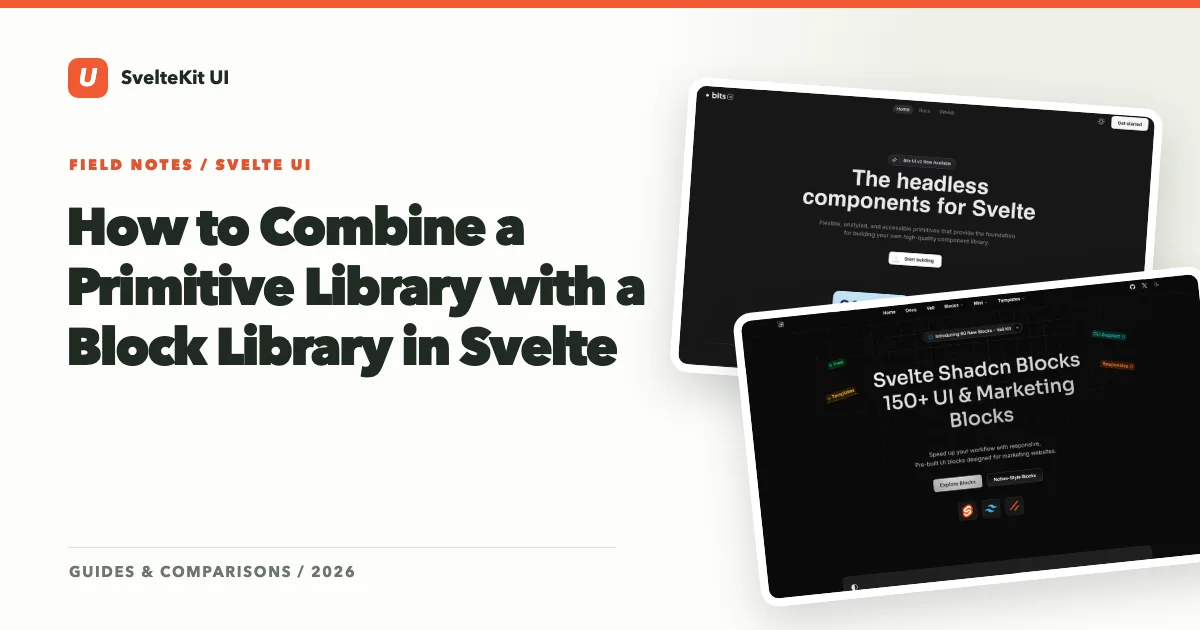
One of the most common questions we get from developers exploring our directory is: “Can I use multiple UI libraries together, or will they fight each other?” The short answer is yes, you can combine them — and for most real projects, you should.
The Svelte UI ecosystem naturally organizes into layers, and understanding those layers is the key to building a flexible, maintainable frontend architecture. This guide shows you how to stack primitive libraries, styled component libraries, and block libraries into a cohesive system.
The Three-Layer Mental Model
Think of your UI as three distinct layers, each solving a different problem:
Layer 1: Primitives — Accessible, unstyled interactive behaviors. Dialogs that trap focus, dropdowns that handle keyboard navigation, tooltips that position themselves correctly. This is the hardest code to write from scratch and the easiest to get wrong.
Layer 2: Styled components — Design-opinionated wrappers around those primitives. A button with specific padding, colors, and hover states. A card with a defined shadow and border radius. This is where your visual identity lives.
Layer 3: Blocks (page sections) — Pre-composed layouts built from multiple styled components. A pricing table, a hero section, a settings page layout, a sidebar navigation shell. These are the patterns that take individual components and assemble them into recognizable product UI.
Most developers try to solve all three layers with a single library. That works for simple projects, but it creates friction when you need flexibility at one layer without giving up convenience at another.
Layer 1: Start with Bits UI for Primitives
Bits UI is the foundation. It gives you headless, accessible components — Dialog, Popover, Select, Tooltip, Tabs, Accordion, and more — that handle all the ARIA attributes, focus management, and keyboard interactions you’d otherwise spend weeks implementing.
You don’t style Bits UI components directly in most cases. Instead, you either:
- Use them through shadcn-svelte (which provides pre-styled wrappers), or
- Build your own styled wrappers when you need something shadcn-svelte doesn’t offer
The key insight is that Bits UI is always there as your escape hatch. If any higher-level library doesn’t do what you need, you can drop down to the primitive and build exactly what you want, with accessibility handled for you.
Layer 2: Add shadcn-svelte for Styled Components
shadcn-svelte sits on top of Bits UI and gives you production-ready styled components. Its CLI copies component source files directly into your project, which means you can modify anything — but you don’t have to. Out of the box, you get a clean, modern design system built with Tailwind CSS.
For most of your application, shadcn-svelte components are what you’ll actually use in your templates: Button, Card, Dialog, Table, Tabs, Input, Select. These cover the standard interactive patterns that every web application needs.
The power of this layer is that you own the code. If shadcn-svelte’s Dialog doesn’t quite work for your use case, you open the file in your components/ui directory and modify it. You’re editing a Bits UI composition with Tailwind classes — not fighting a black-box npm package.
Layer 3: Bring in Block Libraries for Page Sections
This is the layer most developers miss, and it’s the one that saves the most time.
Block libraries provide pre-built page sections — not individual components, but entire compositions like:
- Hero sections with headlines, CTAs, and imagery
- Pricing comparison tables
- Feature grids with icons and descriptions
- Dashboard shells with sidebars, headers, and content areas
- Settings pages with grouped form sections
- Authentication flows (login, signup, forgot password)
Libraries in this space include svelteblocks and sv-blocks, which offer drop-in page sections built with Tailwind CSS. These blocks are designed to be customized — they’re starting points, not finished products.
The reason this layer matters is time. Assembling a pricing page from individual Button, Card, and Badge components takes hours of layout work. Dropping in a pre-built pricing block and adjusting the content takes minutes. For landing pages, marketing sites, and standard SaaS patterns, blocks are a massive productivity multiplier.
How the Layers Interact
Here’s where the architecture comes together. In a typical SvelteKit project using all three layers, your component imports might look like this:
- Custom interactive behavior — you reach for Bits UI directly (e.g., building a custom multi-select with specific UX requirements)
- Standard UI components — you use shadcn-svelte’s pre-styled components (e.g.,
Button,Dialog,Table) - Full page sections — you drop in blocks from svelteblocks or sv-blocks and customize the content and styling
The layers don’t conflict because they operate at different levels of abstraction. Bits UI doesn’t care how you style things. shadcn-svelte doesn’t care what page layout you put its components in. Block libraries don’t care whether the buttons inside them come from shadcn-svelte or your own custom components.
Practical Tips for Layering
Keep your primitives consistent. If you’re using Bits UI through shadcn-svelte, don’t also import Melt UI for a few components. Mixing primitive libraries means mixing accessibility patterns, event handling models, and mental models. Pick one primitive foundation and stick with it.
Customize blocks, don’t fork them. When you bring in a block library, resist the urge to rewrite the blocks from scratch. Instead, swap out the components inside them with your shadcn-svelte components to maintain visual consistency. Replace the block’s generic <button> with your <Button> component. Swap its inline styles for your design tokens.
Use the Stack Builder for planning. Before committing to a combination, use our Stack Builder to map out which libraries cover which layers. This helps you spot gaps (do you need a chart library? an icon library? form validation?) before you’re deep into development.
Don’t over-layer. Three layers is a guideline, not a rule. Some projects only need layers 1 and 2. Some marketing sites might skip straight to layer 3. Add complexity only when it solves a real problem.
A Real Example: SaaS Marketing + Dashboard
Imagine you’re building a SaaS product with a public marketing site and an authenticated dashboard. Here’s how the layers map:
Marketing pages lean heavily on Layer 3. You pull in hero sections, feature grids, pricing tables, and testimonial blocks from svelteblocks. You customize colors and copy, swap in your own shadcn-svelte buttons and badges, and ship fast.
Dashboard pages lean on Layer 2. You build the interface from shadcn-svelte components — data tables, forms, dialogs, tabs, and cards. The layout is custom because every dashboard has unique information architecture.
Custom widgets (a complex filter builder, a drag-and-drop kanban board, an interactive chart tooltip) drop down to Layer 1. You use Bits UI primitives directly, styling them to match your design system, with full control over behavior.
The result is a codebase where you’re fast where speed matters (marketing), precise where precision matters (dashboard), and fully in control where control matters (custom interactions).
Getting Started
The easiest path into this architecture:
- Initialize shadcn-svelte in your SvelteKit project (this brings in Bits UI automatically)
- Add components as you need them via the CLI
- When you hit a page that matches a common pattern (pricing, hero, auth), check if a block library has a starting point
- When you need behavior that no styled component covers, drop down to Bits UI
Explore the libraries that make this possible: Bits UI | shadcn-svelte | svelteblocks | sv-blocks. Or browse the full directory by category to find the right pieces for your project.